How it works
Video testimonials, step by step
No install, no account, no app
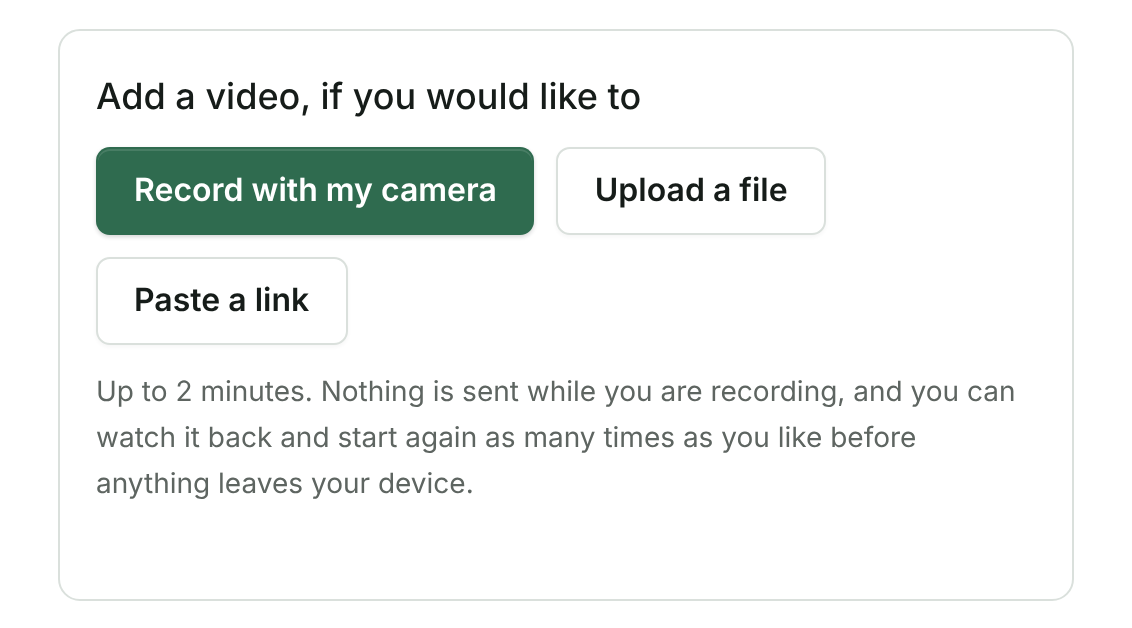
The recorder is the browser's own. It works on a phone held in the hand, which is where most of these get recorded.
They can watch it before sending it
And record it again. Nobody sends the first take of a video of their own face without seeing it.
One copy is stored, and it is the original
Not a compressed copy with the good one behind a plan. There is no better version being withheld, so there is nothing to sell you back.
It plays inside your own widgets
The video wall layout shows only the testimonials that have a recording, with the player as the face of each card.
Or their voice alone
"Record your voice instead" records the microphone only, never the camera, for up to the same two minutes, and they listen back before anything is sent. It is stored like a video, played through the same counted door, and drawn on your wall and in your widget as a sound player — with, once you have had it written down, what was said under it in a disclosure labeled as a machine's reading, so somebody who cannot hear it can read it.
Room is set aside before a file is sent
When a recording, a photograph or a picture starts uploading, its size is set aside from your plan's storage first, across all your projects. Several people sending at once can never together go past your storage, and nobody is told there is room that is already taken. Once the file lands, what counts is its real size. Room set aside for an upload that never arrived comes back once storage confirms there is no such file, which is asked no sooner than an hour after that upload's permission ended (permissions last an hour), the next time a file is sent to that project or by the daily check.
Or asked for after they wrote
On a written testimonial's card, "Ask for a video version" sends the person who wrote it one email, after one more press that says what will be sent. Their link opens the form with a recorder and nothing else, works once and closes after 30 days, and carries a "Not now" link. They give a new permission for the video, naming the places they already allowed for their words. It arrives on the card beside what they wrote and stays there, shown nowhere, until you add it to the testimonial or discard it.
Safe by design
The rule that makes it safe to have
Clear boundaries
What it will not do
Every capability page ends with this list. It is the part that says what you are actually buying.
- It will not put words in somebody's mouth, generate a face, or clone a voice. Every frame is footage a real person recorded.
- It will not cut a video that lives on somebody else's platform — that would be taking their footage off their player.
- It does not watermark your customers' faces on the free plan.
- It will not give back room set aside for an upload just because time passed: the room is counted until storage itself says the file is there (then its real size counts) or that there is no such file.
- It will not ask for a video version on its own. Somebody on your team presses the button and confirms it.
- It will not ask the same person for a video more than once, or ask anybody who said not now.
- It will not ask somebody whose review you imported. They left their address with that site, not with you.
- It will not change the words they wrote, and it will not show their video anywhere their words may not already go.
- It will not attach a video they did not give permission for, and it will not publish one you have not added to the testimonial.
- A voice recording is not a video. The video wall, the "video only" filter, the "Has a video" filter and the condition "with a video" for being told when one arrives all leave it out, and the API sends it as audio, never as video.
- It does not cut a voice recording into a reel: there is no picture in it, and the reel panels say so.
- It does not offer the voice alone where you asked somebody for a video by name: the page a video version request opens is a camera and nothing else.
- It will not play past a month's figure on your public pages. Each plan carries a month of video, voice recordings and pictures shown on public pages, printed on the pricing page and shared by your projects, and each picture counts as its own size plus 256 KB for the request that sends it; past it, video, voice and pictures pause on public pages until the month turns while the words and ratings go on showing. Your own downloads and exports are never counted and never paused, on any plan.
Where it lives in the code: lib/video.ts · lib/media.ts · lib/upload-holds.ts · app/api/upload/route.ts · lib/delivery.ts · app/api/media/route.ts · app/api/play/route.ts · lib/video-ask-rules.ts · lib/video-ask.ts · app/api/video-ask/route.ts · app/r/[slug]/video/page.tsx · lib/audio.ts · components/VideoField.tsx · components/PlayableVoice.tsx
Questions
Asked about this
From Help, where every answer is written from the product as it runs.
What quality is the video stored at?
The one it was recorded at. One copy is stored — the original — and it comes back at that quality on every plan, including the free one. There is no better version being withheld.
Can I cut a clip for social?
Yes, and it happens in your own browser: their footage, their voice, their name over it, cropped to the shape the platform wants. No queue, no server cost, no watermark.
Can it generate a presenter or a voice?
No, and it never will. A clip is a cut of footage a real person recorded, or it is not made. That is a deliberate refusal, not a missing feature.
Can I cut a testimonial that is on YouTube?
No. A video that lives on somebody else's platform is linked rather than cut — taking the footage off their player is not ours to do.
This is running now
Open a project and use it. Nothing on this page is a roadmap.